Intro
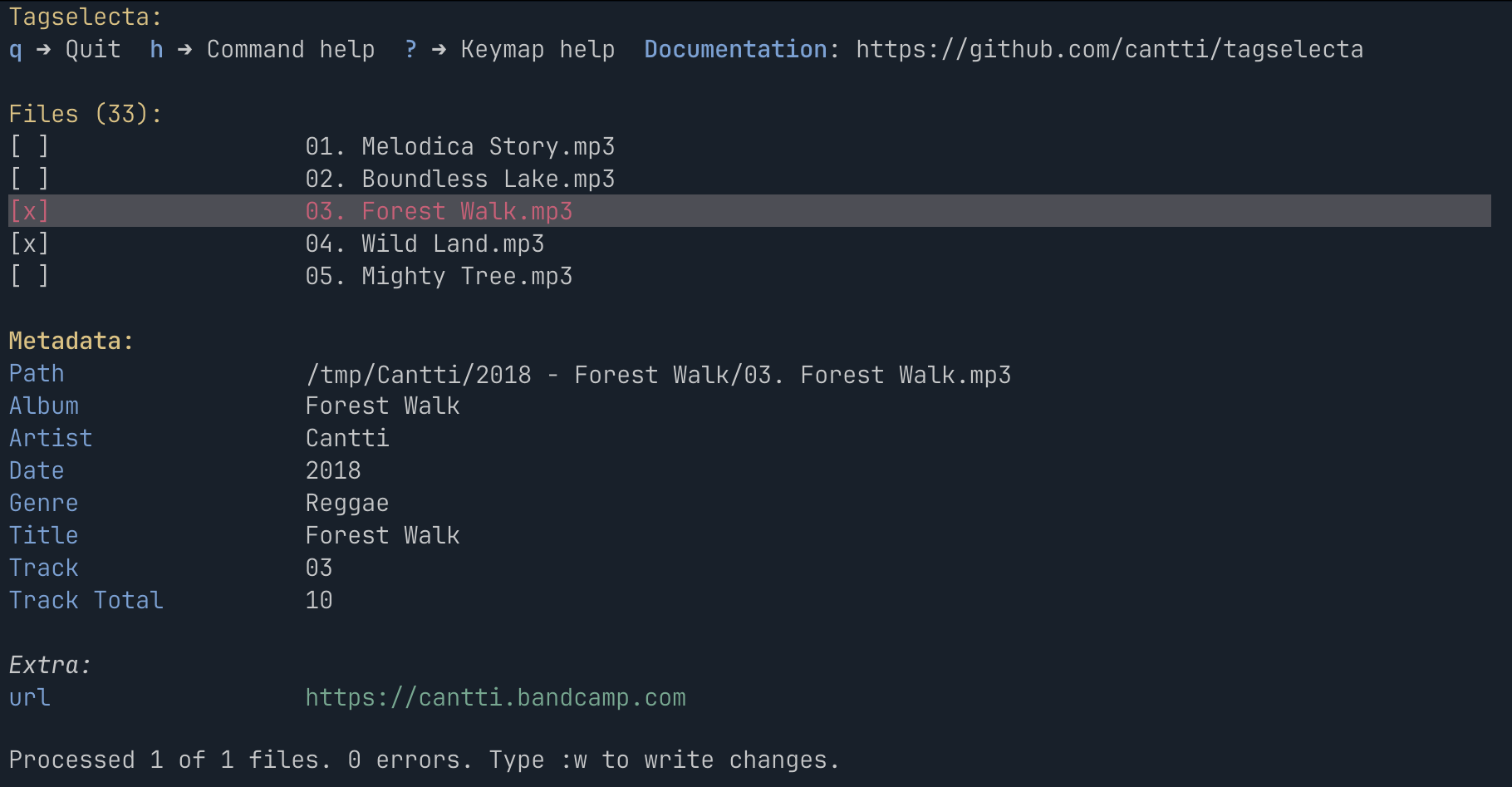
TagSelecta is a cross-platform, opinionated command-line tool for managing audio file metadata (tags).
The tool supports two modes: interactive UI (TUI) and command-line interface (CLI).
To run the TUI, simply run tagselecta ui <path>.
To execute commands from the CLI, run tagselecta <command> <path>.
Path can be a single file or a directory (recursive).
Some commands available only in the CLI mode: find to find files by metadata.
The CLI is built using Spectre.Console for rich command-line output and TagLibSharp for tag manipulation.
TUI vs CLI
The program is primarily designed for use in TUI mode. However, the CLI mode is particularly useful for scripting and automating tasks.
Features
- CLI and TUI modes
:editcommand to read and write tags:movecommand to move and rename files:extractpicturecommand to extract pictures to files:titlecasecommand to convert all fields to title case:splitcommand to split artists, album artists and composers:autotrackcommand to automatically set track number and total tracks based on disc and disc total:discogscommand to update album metadata from Discogs release:musicbrainzcommand to update album metadata from Musicbrainz release:clearcommand to clear specified tag fields:clearexceptcommand to clear all tag fields except the ones explicitly keptfindcommand to find files by metadata (CLI only)- Proper support for multi-value fields (
artist,albumartist,composer,genre) across tag formats - Recursive directory scanning
- Macros support
- Preview of changes before applying them
- Tree view of files
- Command history and autocompletion
- Startup command that runs automatically when the TUI starts